

Publishing an article
Open a finished article and click Publish in the top-right corner.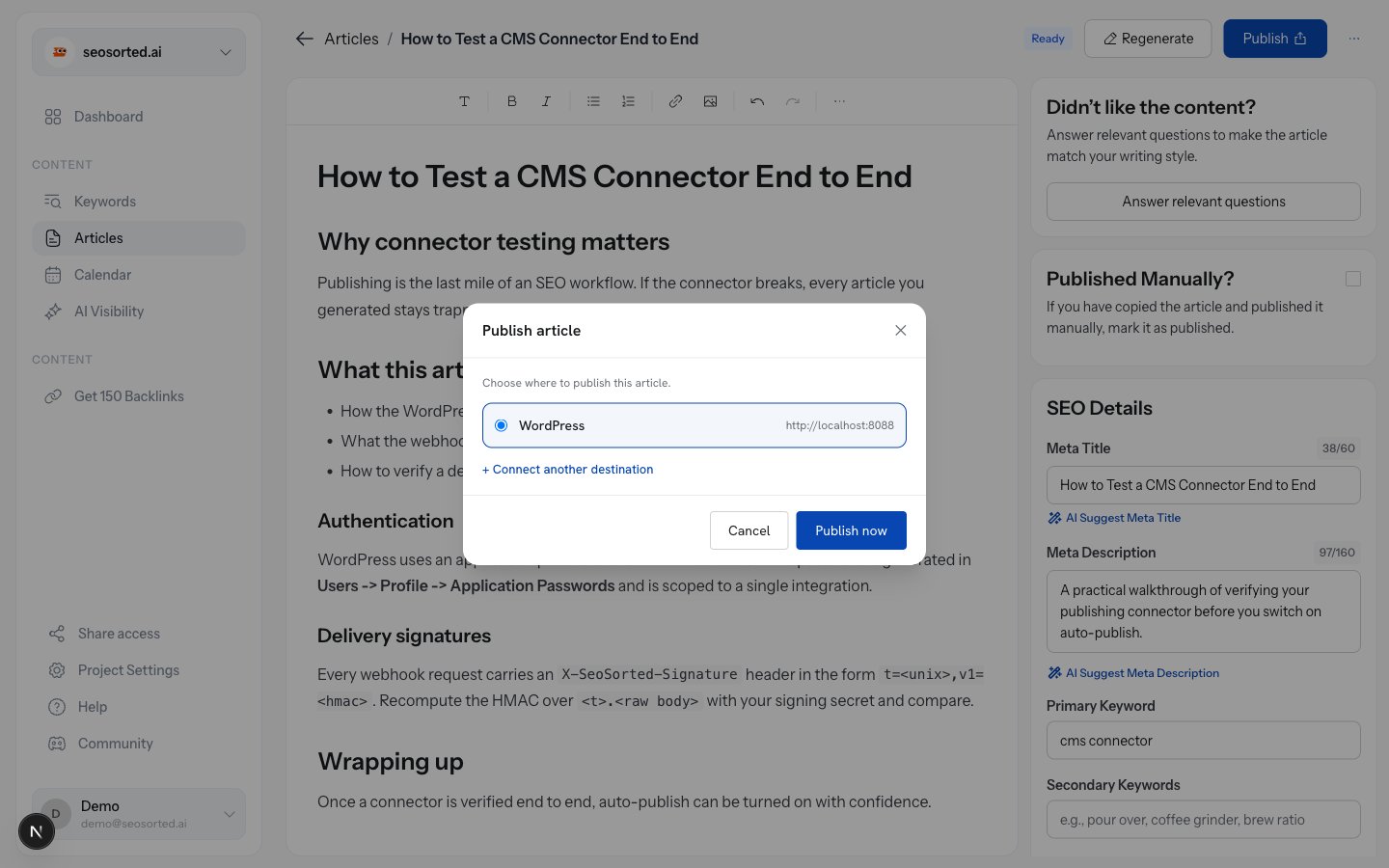
Choose a destination, then publish
Only publishing destinations appear here — WordPress, Webflow, Shopify and Webhook. Search
Console and Analytics are data sources; they never receive content.
Confirmation
WordPress and Shopify
Return a public URL, so the dialog links straight to the live post.
Webhook and Webflow
Have no public URL — a webhook is your own endpoint, Webflow items need a site publish — so
the dialog confirms delivery instead.
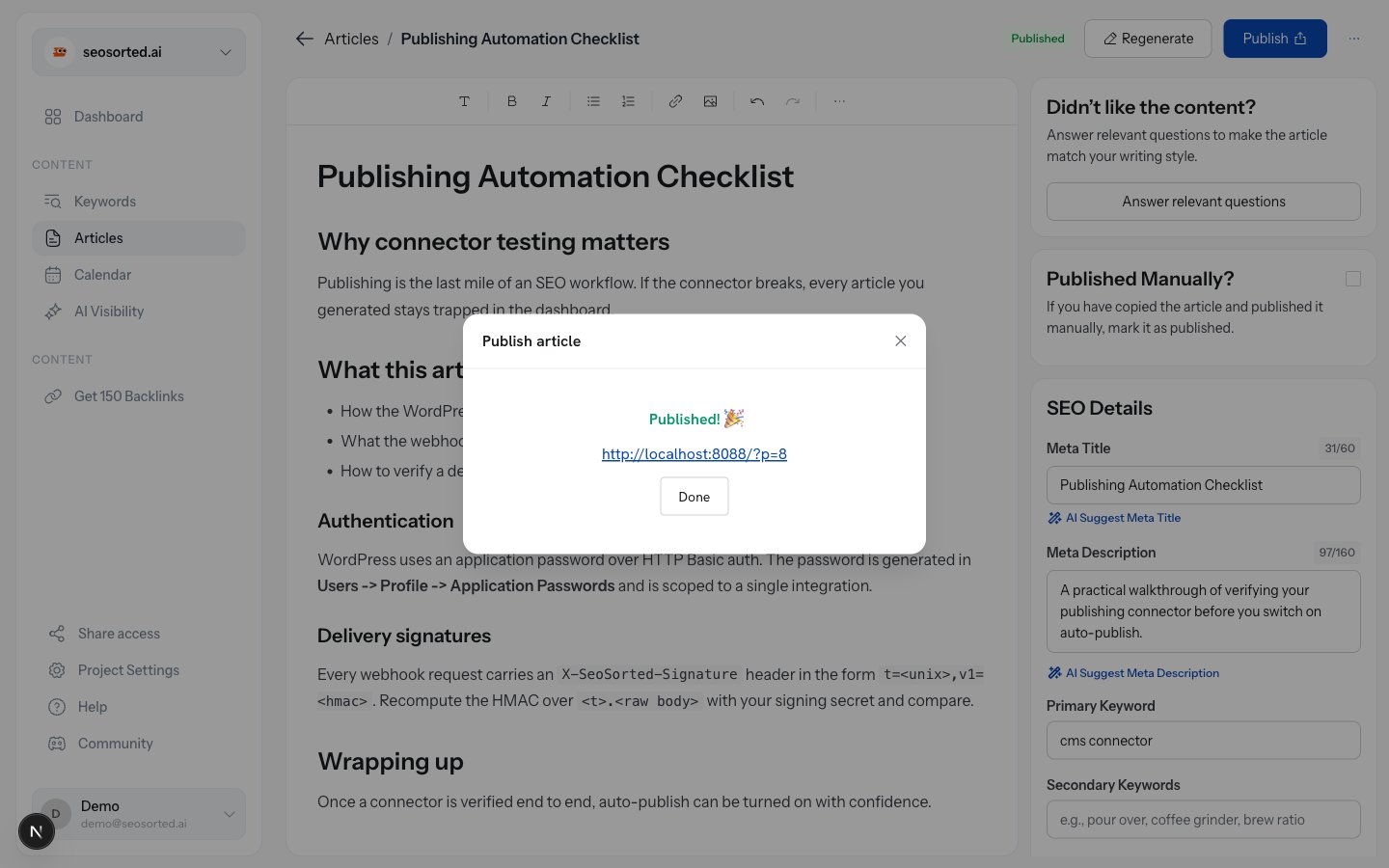
A destination that returns a URL
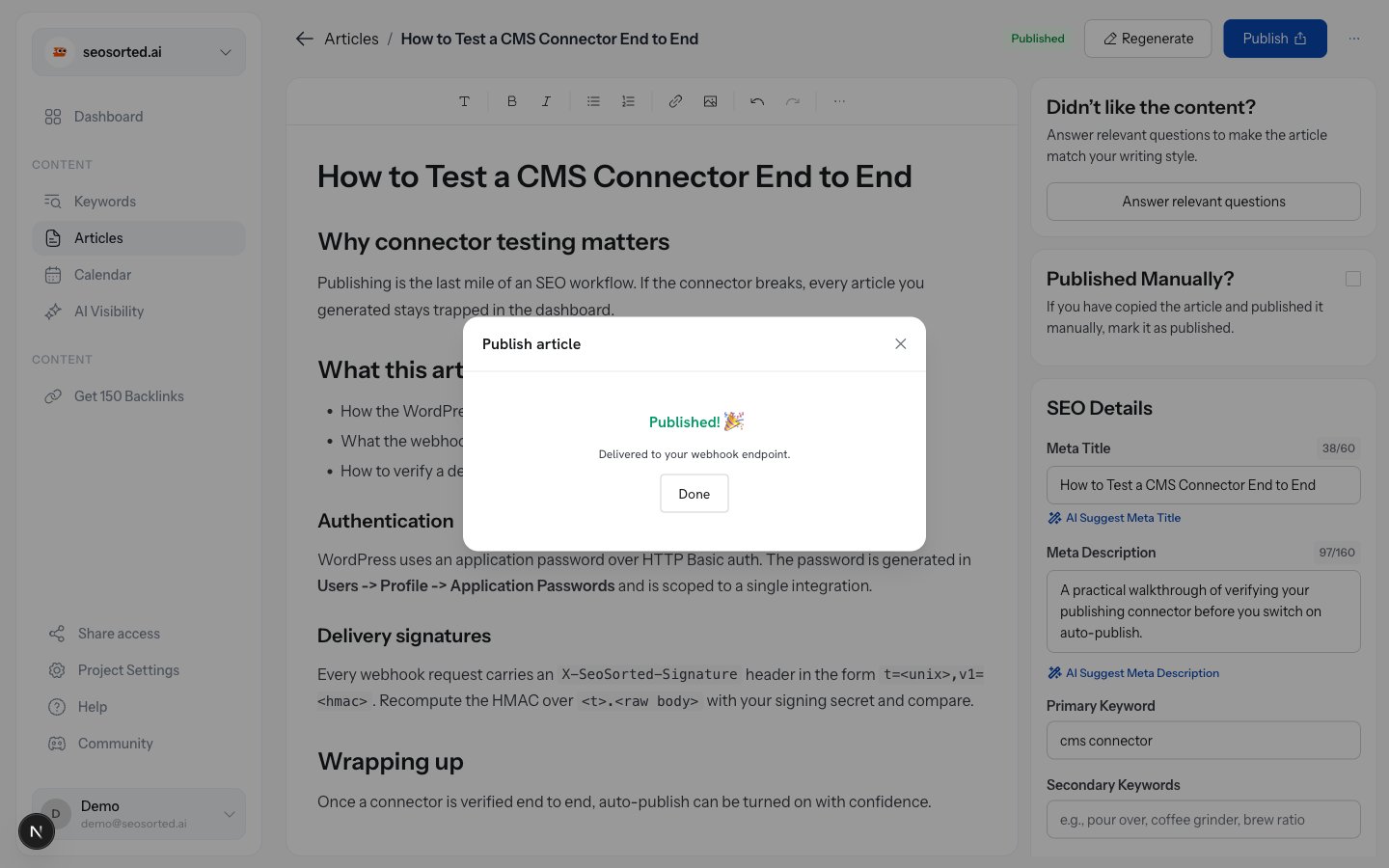
A destination that doesn't
What gets sent
Whatever the destination, we send the same article:- Title and slug
- Body, rendered from Markdown to HTML, with JSON-LD article schema prepended
- Meta description as the excerpt/summary
- Featured image, where the destination supports one
- Author — the article’s author persona, falling back to your workspace name
Scheduling and auto-publish
Articles can also publish on a schedule instead of on demand:- Add to calendar on any article sets the date it should go out.
- When that time arrives, a background job publishes it to the article’s own destination if it has one, otherwise to the workspace’s default publishing destination.
- Auto-publish, set during onboarding or in project settings, sends newly generated articles out without a manual step.
Publishing the same article twice
Publishing again creates a new item at the destination rather than updating the previous one — with one exception: the webhook connector sendsarticle.updated instead of
article.published, so your own handler can upsert on article.id.