

Step 1 — Have an endpoint ready
You need a URL that acceptsPOST with a JSON body and answers with a 2xx status. Anything
outside 200–299 counts as a failed delivery.
The endpoint must be reachable from the public internet.
localhost works only while you are
testing against a local SeoSorted install.Step 2 — Connect
Project Settings → Integrations → Webhook → Connect.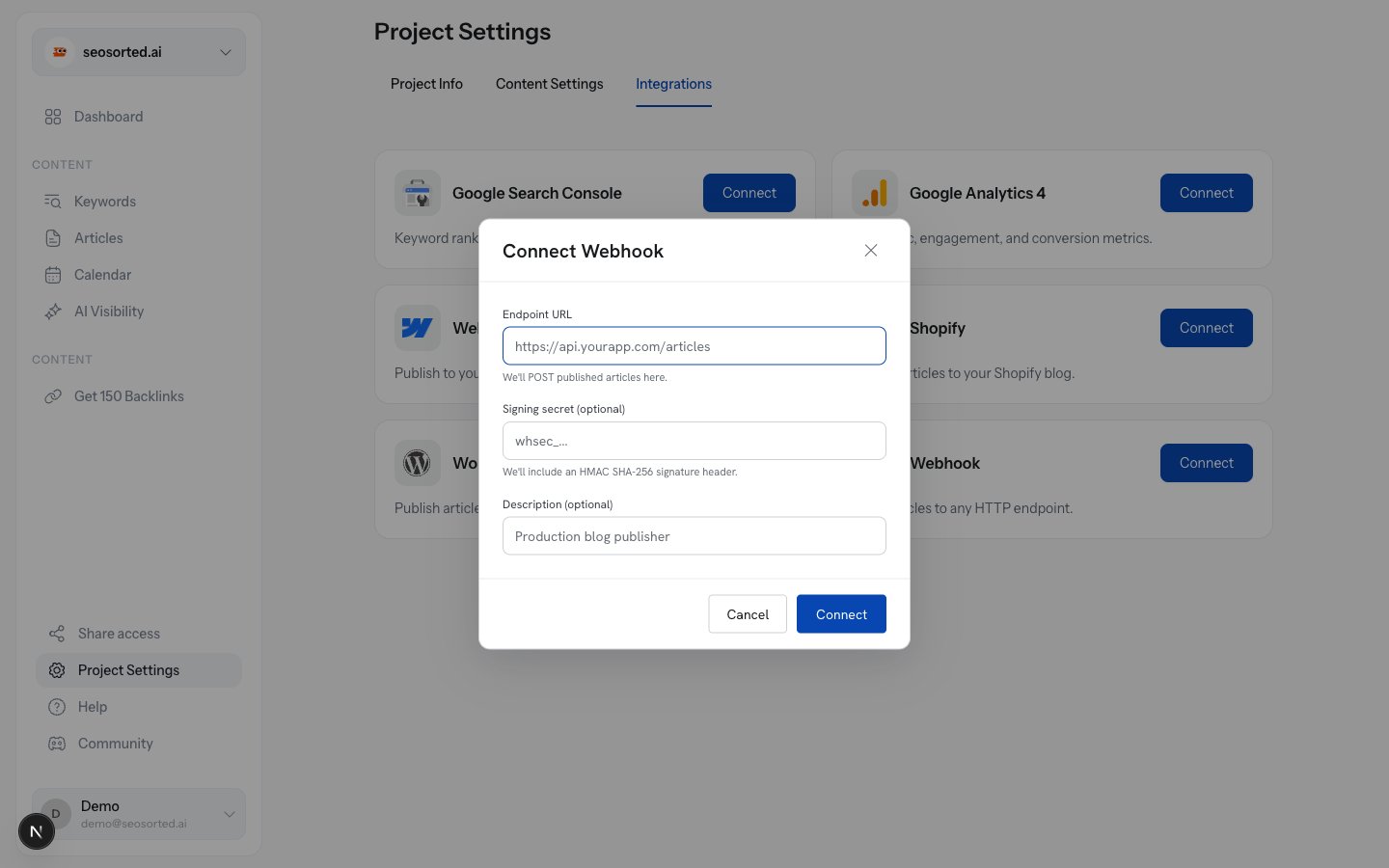
The webhook connect form
string
required
Where we POST, for example
https://api.yourapp.com/seosorted/articles.string
Optional. At least 16 characters. Leave it blank and we generate one for you — the usual
choice.
string
Optional label for your own reference, e.g. “Production blog publisher”.
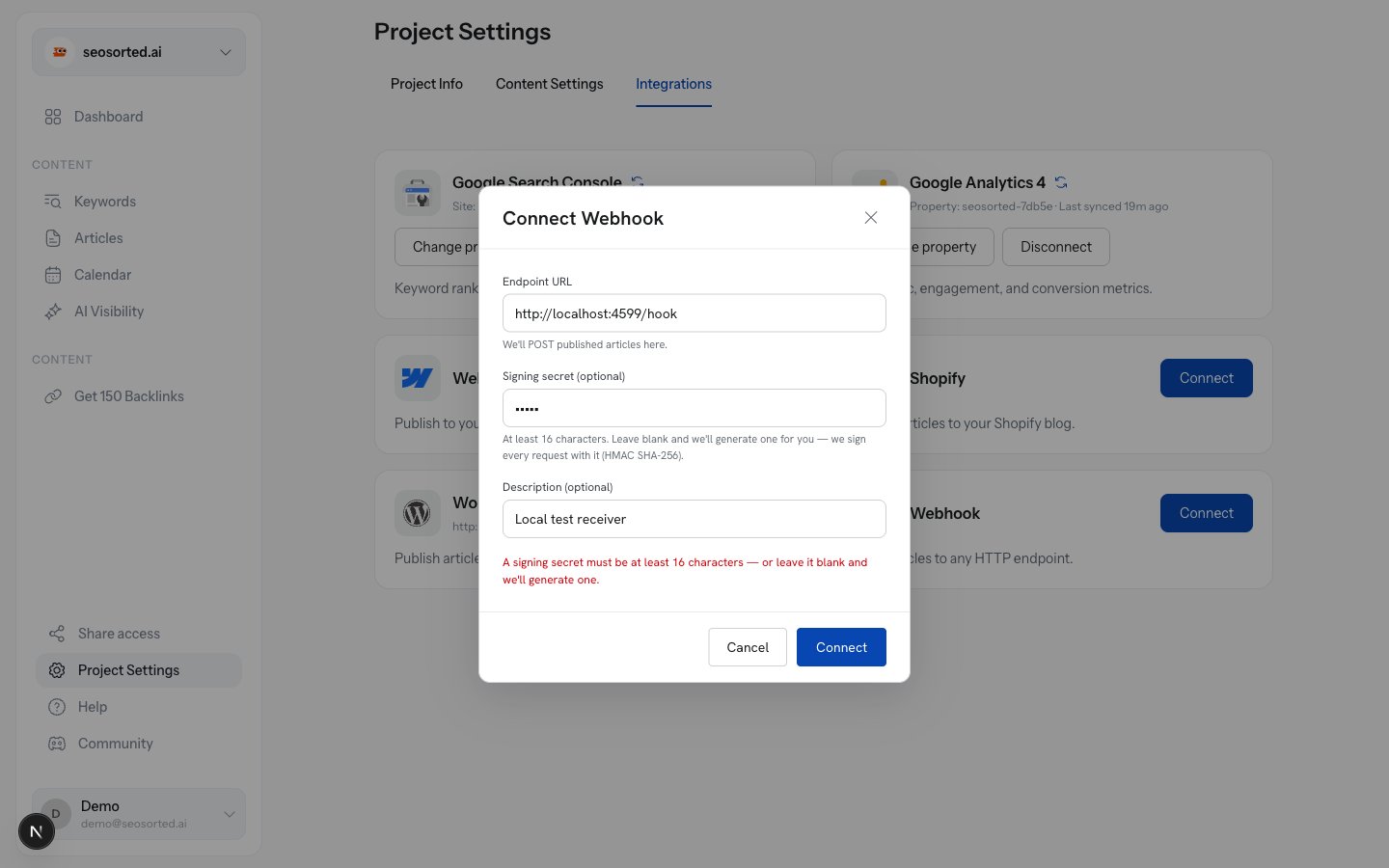
Short secrets are caught up front
Step 3 — Save the signing secret
If we generated the secret, it is shown once, immediately after connecting.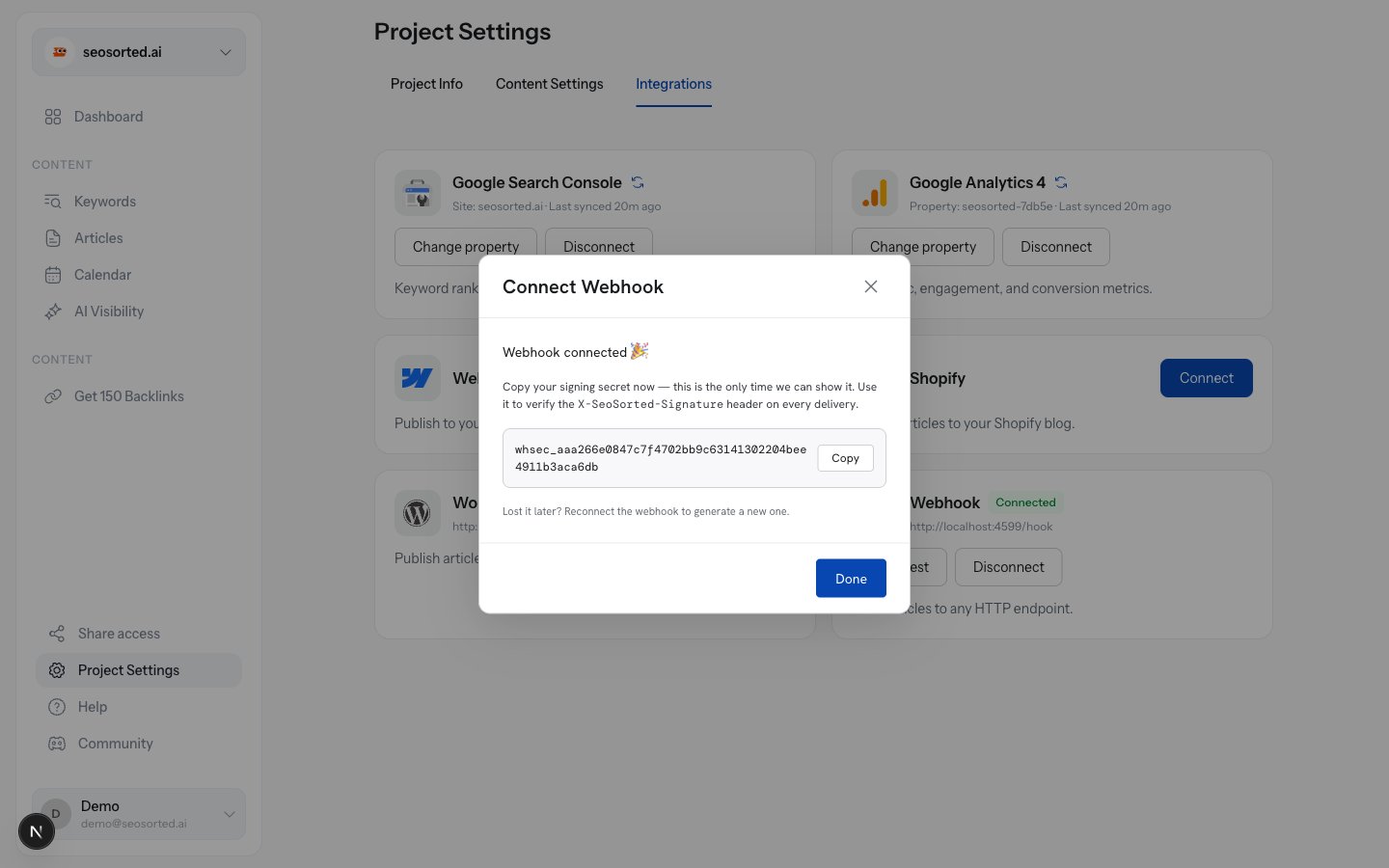
Copy the signing secret — it is shown once
Step 4 — Send a test delivery
The connected card has a Send test button. It posts atest event with a realistic payload
and tells you exactly what your endpoint replied.
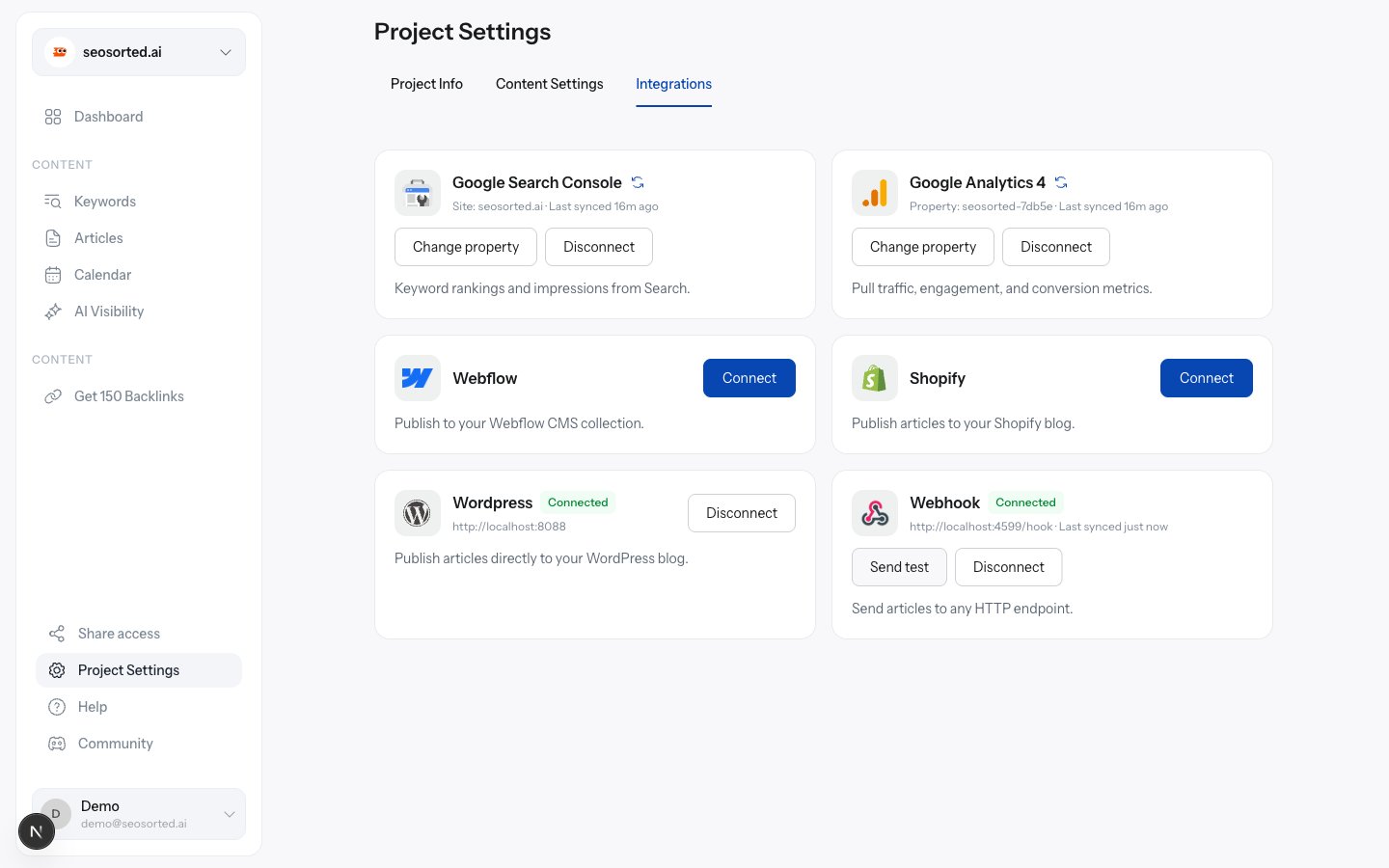
Send test posts a sample payload and reports the response
Step 5 — Publish
Publish an article and choose Webhook. Because a webhook has no public URL to link to, success is confirmed in place.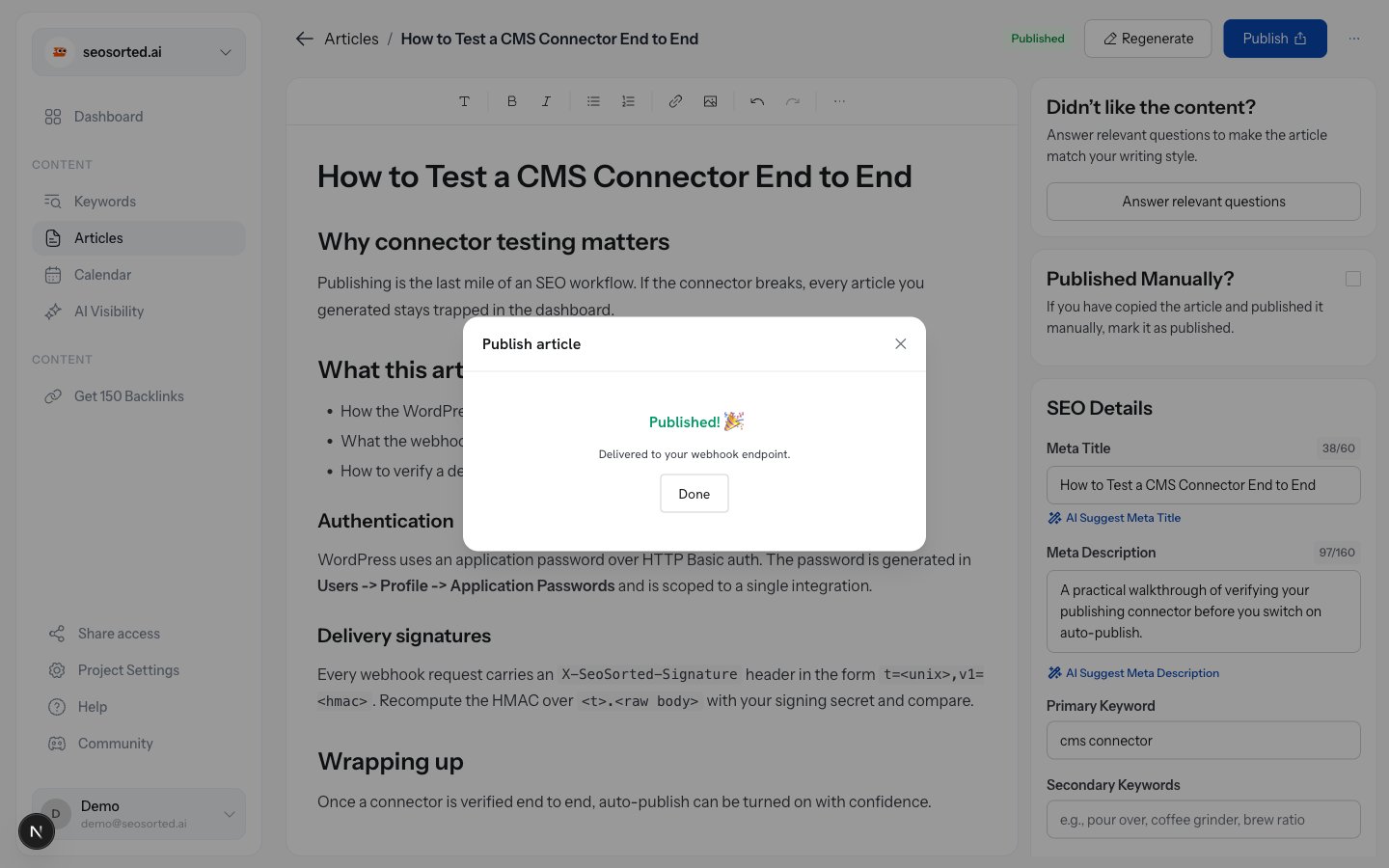
A webhook publish confirms delivery
Verifying the signature
Every request carries these headers:
The signature is an HMAC-SHA256 of
<t>.<raw request body> keyed with your signing secret, where
t is the Unix timestamp in the same header.
Delivery behaviour
- Timeout: 15 seconds. Reply quickly and do the slow work asynchronously.
- Retries: deliveries are attempted once. A failure is recorded with the response status, body and error so you can see what happened.
- Health: after 5 failed deliveries within an hour, the connector is marked Error on the Integrations tab.
- Duplicates: use
X-SeoSorted-Deliveryas an idempotency key.